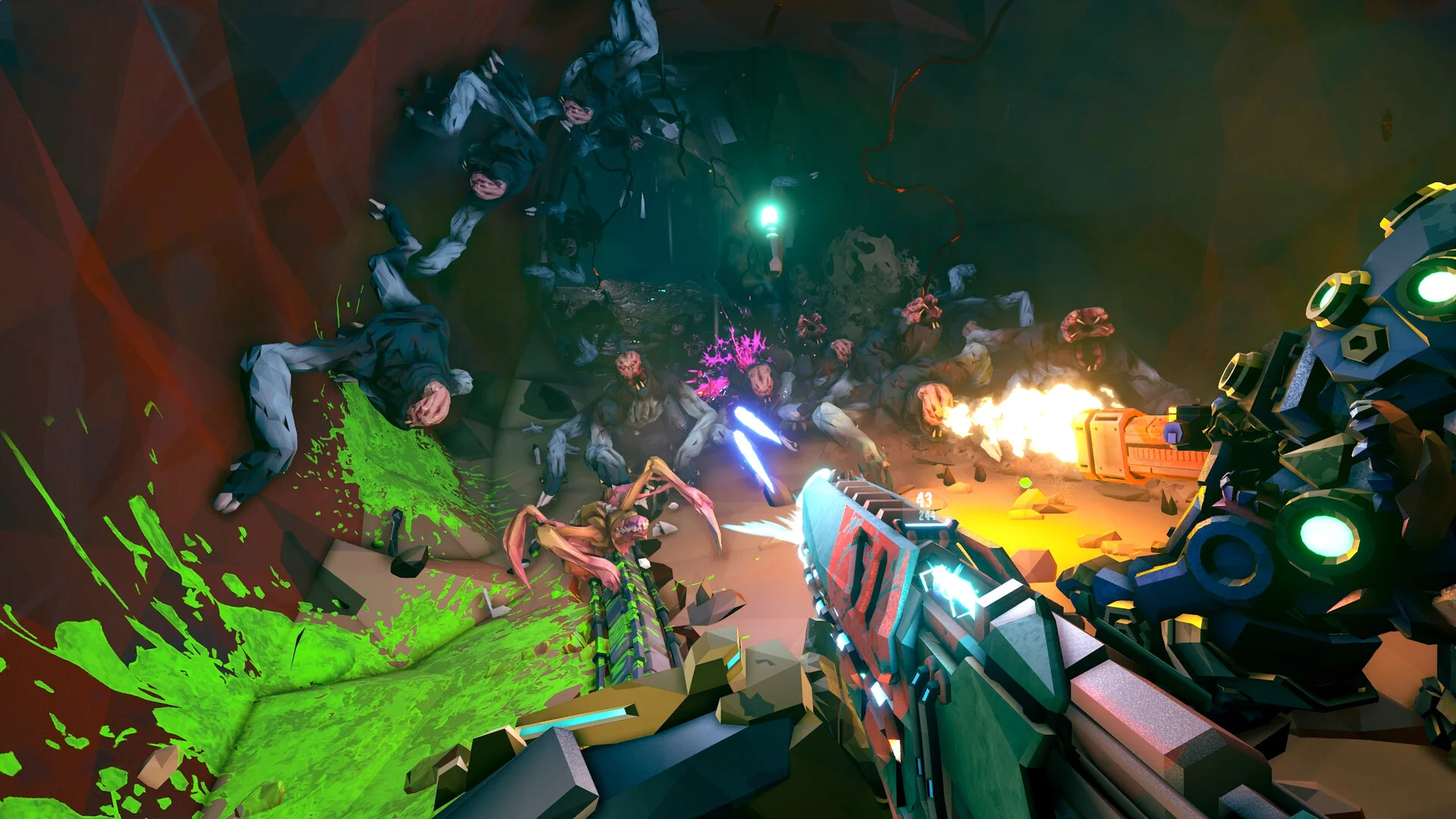
- Deep Rock Galactic Rogue Core crossplay depends on platform: PC storefronts and console ecosystems handle connectivity differently.
- Cross-generation play within the same console family is generally the most reliable option.
- Lobby settings matter: setting your game to Public or Friends-Only controls who can join your runs.
- Check official channels (Steam page, Ghost Ship Games socials) for the latest crossplay updates before squad planning.
- A shared squad platform like Discord solves most matchmaking coordination problems.
Crossplay Overview: What to Expect
Deep Rock Galactic Rogue Core is a co-op roguelite at heart, and like its predecessor Deep Rock Galactic, the question every four-dwarf squad asks first is: can we play together if we own the game on different platforms? The answer has always been layered in this franchise.
The original Deep Rock Galactic offers a good reference point for how Ghost Ship Games approaches platform connectivity. In that game, Xbox and Windows 10/11 (Microsoft Store) players can play together through the Xbox ecosystem, while Steam and PlayStation players have historically been limited to matchmaking within their own platform families. Crossplay exists, but it is not universal across every storefront.
Crossplay support can change with patches and new platform releases. Before purchasing Rogue Core on a second platform for a friend, confirm current support on the official Steam page or Ghost Ship Games announcements.
The table below summarizes the general connectivity model used across the franchise:
| Platform Pair | Crossplay Status | Notes |
|---|---|---|
| Xbox + Windows (Microsoft Store) | Supported | Shared Xbox ecosystem accounts |
| Steam + Steam | Full | Native matchmaking |
| PlayStation + PlayStation | Full | Cross-gen between PS4/PS5 where supported |
| Steam + Xbox | Limited/Not supported | Separate player pools in original DRG |
| Steam + PlayStation | Limited/Not supported | Separate player pools in original DRG |
| Console + PC (different stores) | Check current status | Historically restricted |
Same Storefront
- Fully reliable connectivity
- Native friend invites
- Consistent patch versions
Xbox Ecosystem
- Xbox + Windows Store pairing
- Game Pass friendly
- Shared achievements
Mixed Platforms
- May be restricted
- Verify before purchasing
- Consider a shared platform
Platform Comparison for Squad Play
Choosing where your squad plays matters more than individual preference when crossplay is limited. Here is how the main platforms compare for a co-op roguelite like Rogue Core:
| Platform | Storefronts | Squad Flexibility | Best For |
|---|---|---|---|
| PC (Steam) | Steam | High within Steam | Large player pool, mods in franchise history |
| PC (Microsoft Store) | MS Store, Game Pass | Pairs with Xbox | Game Pass subscribers |
| Xbox | Xbox Store | Pairs with Windows PC | Console + PC mixed squads |
| PlayStation | PS Store | Within PlayStation family | PlayStation-only squads |
If your group spans PC and console, the simplest solution is often for everyone to rally on one ecosystem. Steam players together, or Xbox plus Windows players together, avoids nearly every connectivity headache.
Additional factors worth weighing:
- Patch timing: Different storefronts occasionally receive updates on slightly different schedules, which can temporarily block cross-storeplay.
- Input differences: Mouse-and-keyboard versus controller play affects feel more than connectivity in a co-op PvE title.
- Game Pass availability: When Rogue Core or franchise titles appear on subscription services, the Xbox/Windows ecosystem becomes the cheapest entry point for mixed squads.
Step-by-Step: Setting Up a Crossplay Squad
Follow these steps to get your dwarf squad running smoothly across supported platforms:
Confirm Platform Compatibility
Check which storefronts each squad member owns. Group players into matching ecosystems (Steam, or Xbox/Windows) before planning sessions.
Add Each Other as Friends
Friend connections must exist on the shared platform account: Steam friends list, or Xbox Live accounts for the Microsoft ecosystem.
Configure Lobby Privacy
Set your mission lobby to Friends-Only or Public in the game settings so cross-platform friends within your ecosystem can join without invitation friction.
Run a Compatibility Test
Start a low-stakes first mission together and verify everyone connects, voice chat works, and progression saves correctly for all members.
Lock In a Squad Schedule
Use a shared Discord or group chat to coordinate runs, especially important in a roguelite where meta-progression rewards consistent squads.
In-game voice works within a connected ecosystem, but Discord remains the most dependable cross-platform voice option, keeping communication alive even during matchmaking hiccups.
Common Crossplay Problems and Fixes
Even with supported platform pairings, squads occasionally hit snags. Here are the most frequent issues and how to resolve them:
| Problem | Likely Cause | Fix |
|---|---|---|
| Friend can't see your lobby | Lobby set to Private | Switch to Friends-Only or Public |
| Version mismatch error | Staggered patch rollout | Wait for all platforms to update |
| Invite not delivering | Different storefronts in ecosystem | Verify both on Steam or both on Xbox/Windows |
| Voice chat silent | Permissions or device settings | Check mic permissions; fall back to Discord |
| Progress not syncing | Account/profile issues | Restart game, verify correct account signed in |
The single most common mistake is assuming Steam and Microsoft Store purchases connect. In the original Deep Rock Galactic, they do not. Confirm storefronts match before a friend buys a copy.
Pre-Session Checklist
Run through this checklist before every crossplay session to minimize downtime:
Before You Drop In:
- Confirm all squad members are on the same storefront ecosystem
- Verify game version matches across the squad
- Set lobby to Friends-Only or Public
- Test voice chat or open a Discord channel
- Agree on mission difficulty and squad roles
FAQ
Q: Does Deep Rock Galactic Rogue Core support full crossplay between PC and consoles?
Full universal crossplay across every platform has not been the franchise standard. In the original Deep Rock Galactic, Xbox and Windows Microsoft Store players can play together, while Steam and PlayStation players were limited to their own platforms. Always verify the latest Rogue Core crossplay status through official Ghost Ship Games channels before purchasing.
Q: Can Steam and Xbox players play Deep Rock Galactic Rogue Core together?
Historically in the franchise, Steam and Xbox players occupy separate player pools. The reliable mixed option has been Xbox console plus Windows Microsoft Store players, who share the Xbox ecosystem. Steam players should squad with other Steam players.
Q: Do I need a specific account for crossplay to work?
Within supported ecosystems, yes. Xbox and Windows players connect through Xbox Live accounts, while Steam matchmaking uses your Steam friends list. Making sure every squad member has the correct platform account linked is the first troubleshooting step.
Q: What is the easiest way to keep a crossplay squad organized?
Pick one ecosystem everyone can access, keep lobby settings on Friends-Only, and coordinate through Discord. This combination eliminates most connectivity and communication problems before they start.